

When you log into Atthene Agents Studio, you’ll see the main dashboard with quick stats about your agents and easy access to all platform features.Documentation Index
Fetch the complete documentation index at: https://docs.atthene.com/llms.txt
Use this file to discover all available pages before exploring further.
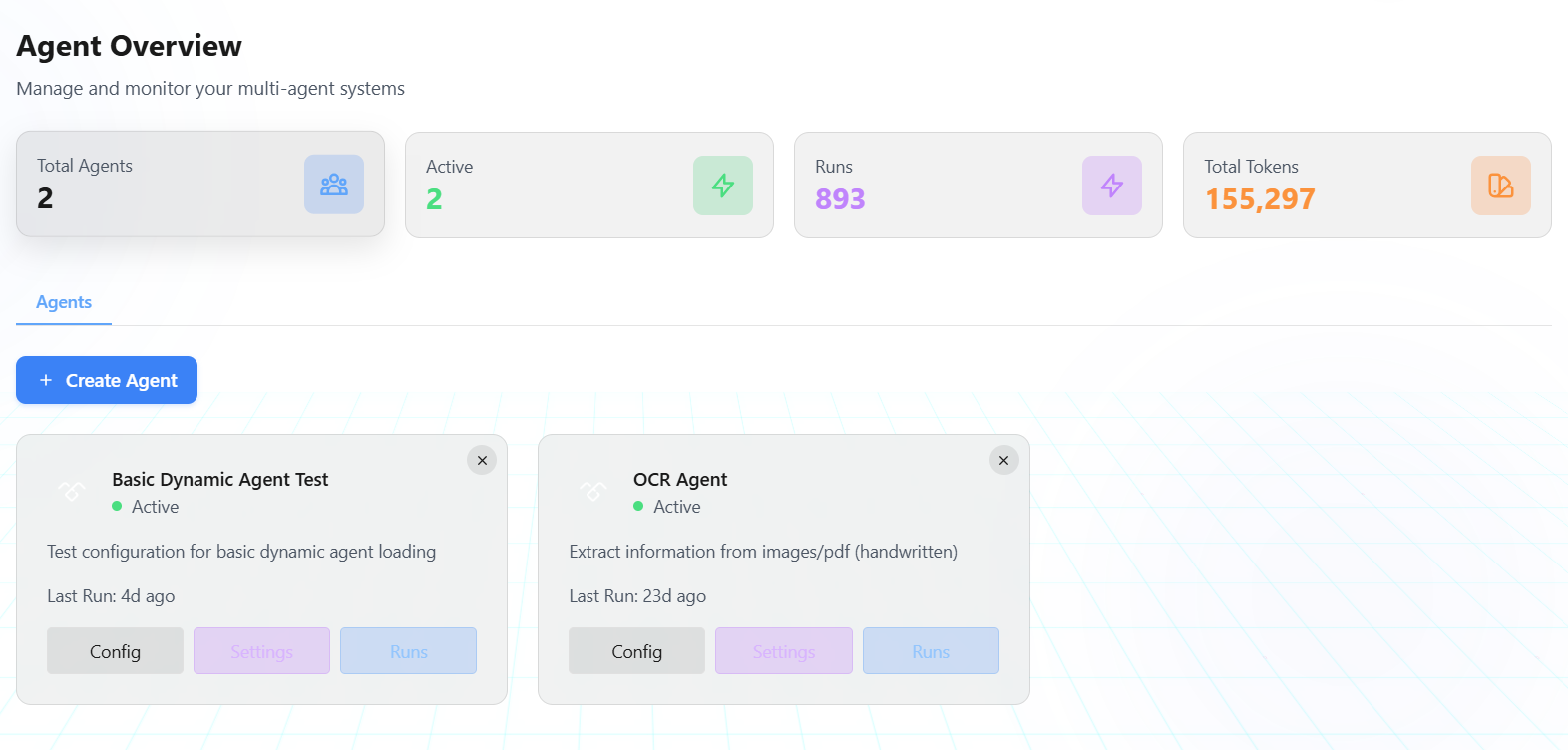
Main Navigation
The sidebar on the left gives you access to all platform features:Agent Overview
Your home page showing:- Total agents count
- Active agents
- Total runs
- Token usage statistics
Playground
The heart of the platform where you build and test agents:- Write YAML configurations
- Test agents in real-time
- Generate configs with AI
- Load templates
Knowledge Base
Connect data sources and build RAG systems:- Connect cloud storage (SharePoint, OneDrive, Google Drive)
- Upload files and documents
- Create collections
- Build knowledge bases with retrieval settings
Tools
Configure tools your agents can use:- Browse available tools
- Create custom tools
- Manage tool configurations
Prompts
Access and manage prompt templates:- Browse prompt library
- Organize by category
- Copy prompts to your YAML
Settings
Configure platform access:- Manage API keys
- Configure OAuth integrations for toolkits
Tracing
Monitor and debug agent execution:- View detailed execution traces
- Track tool calls and responses
- Debug multi-agent workflows
- Analyze performance metrics
Tracing documentation is coming soon.
Quick Start from Dashboard
What’s Next?
Playground Guide
Learn how to build and test agents
My Agents
Manage your saved agents and versions